Customer Portal Overview
HostGator has upgraded to the new HostGator Customer Portal, a centralized billing and hosting management dashboard that lets you manage your websites and billing accounts in one place. The optimized Customer Portal design offers easy‑to‑use features and streamlined tools for managing your HostGator hosting account.
The Customer Portal and cPanel systems can be accessed individually. This allows you to give a web developer, friend, or associate access to your control panel to build or update your website without giving them access to your billing information within the Customer Portal. When access is no longer needed, simply change your control panel password—without affecting your HostGator Customer Portal login.
Access and management capabilities depend on the HostGator user role:
- Holder - The Holder is considered the owner of the account and has access to all account-related functions.
- Primary - As the Primary user, you can manage your primary profile and WHOIS registrant information.
- Admin -The Admin user has total access to the account, except for updating the primary and Registrant information.
- Tech - You can manage and renew the products and services within the account if you're logged in as a Tech user.
While the Customer Portal features a new interface, its functionalities and support sections remain familiar. Below is a full overview of the HostGator Customer Portal features and navigation tools.
Login Page
First off, here is your new Customer Portal login page! Depending on your role or user profile, enter your user ID and password.
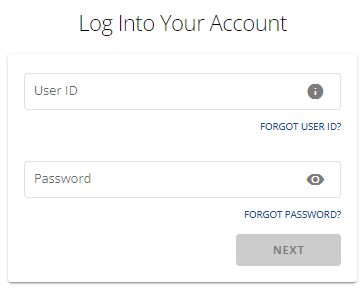
For a more in-depth tutorial on how to access your HostGator Customer Portal, please see the following article:
Menu
Welcome to your new Customer Portal! Once you log in, you'll be provided with easy-to-use features and menus to help you manage your account and websites. The new interface displays the top and left-side menus.
HostGator Support
On the top-right of your Customer Portal, you will find the Help? link that will provide you with support options.
Knowledge Base
The Support link found at the top right of the Customer Portal redirects you to the HostGator Knowledge Base, where all support articles and walkthrough guides are listed and categorized for you.

Here is the link to the HostGator Knowledge Base.
Phone Number
You can now easily spot our contact number in the top menu! Give us a call if you need assistance with your HostGator account.

Give us a holler! Here is our contact page.
User Profile
Your user name and profile icon are located in the top-right corner of the Customer Portal. Click to view the settings for managing your billing account.
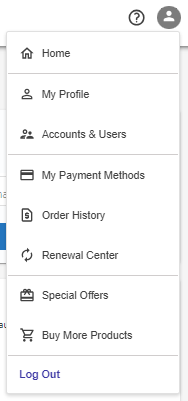
For more information about managing your payment and personal profile within the Customer Portal, please refer to the following article.
- Customer Portal - Manage Credit Cards
- Customer Portal - Profile
- Customer Portal - User and Roles Permissions
Notifications
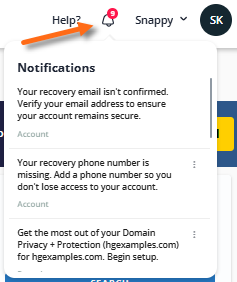
The Customer Portal shows alerts or notifications relevant to your account that require your immediate attention. This is the bell icon located on the top-right of your Customer Portal, ensuring you don't miss any notifications once you log in.
Chat icon
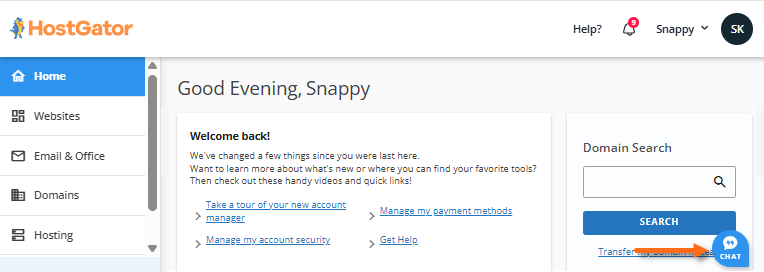
If you need to chat with HostGator's Support agent, click the chat icon located in the bottom-right corner of your Customer Portal.
Hosting Management
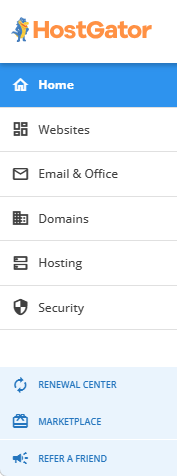
The left-side menu allows you to go to the management sections of your hosting package(s), websites, email accounts, domains, Renewal Center, and Marketplace. These menus are discussed in detail below.
|
|
Dashboard
Serves as the central hub for managing your website. It keeps all your website information organized in one place, allowing you to easily view website details, monitor search performance, and access services that can help improve your online presence.
Refer to Getting Started with the Customer Portal Dashboard for detailed information about the features and functionality available within the Dashboard tab.

Websites
The Websites section is where you can see and manage all websites hosted in your HostGator account.
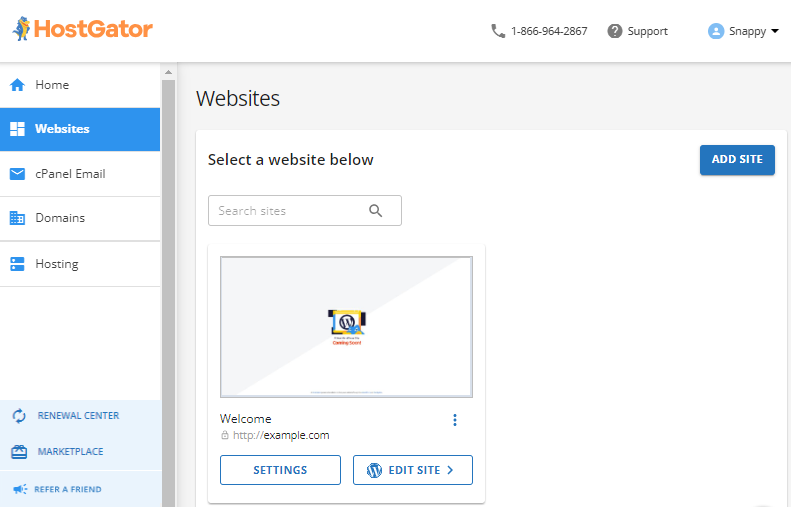
You will find the following items in the Websites section.
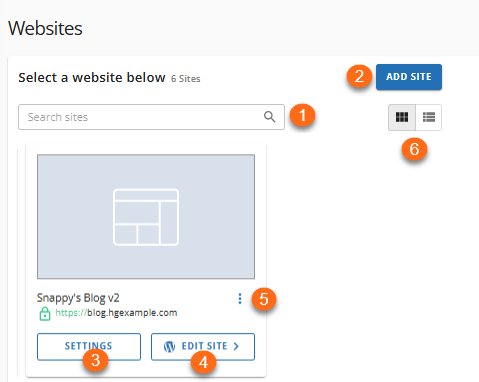
- Search Websites - Quickly locate a website within your hosting account by entering the website name or domain in the search bar.
- Add Hosting Plan - Purchase and add a new hosting plan to your account directly.
- Manage Subscription - View and manage your Premium Plugin Subscriptions.
- Add Website - Create a new website under the selected hosting plan.
- Manage Site - Access site management tools to manage website settings, security, backups, domains, and other website-related features.
- Edit Site - Open the WordPress Admin Dashboard to create and edit pages, publish posts, customize the site's appearance, manage plugins, and perform other WordPress administrative tasks.
Email & Office
The Email & Office tab is where you can access and manage your emails. If you have Google Workspace, Professional Email, and cPanel Email in your account, you can view and access their management pages in this section.
- Click Google Workspace to see the status and renewal settings of Google Workspace. You can also click Login to Workspace to log in to your Google Workspace dashboard.
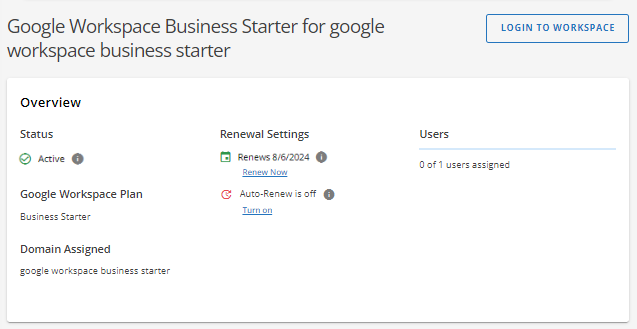
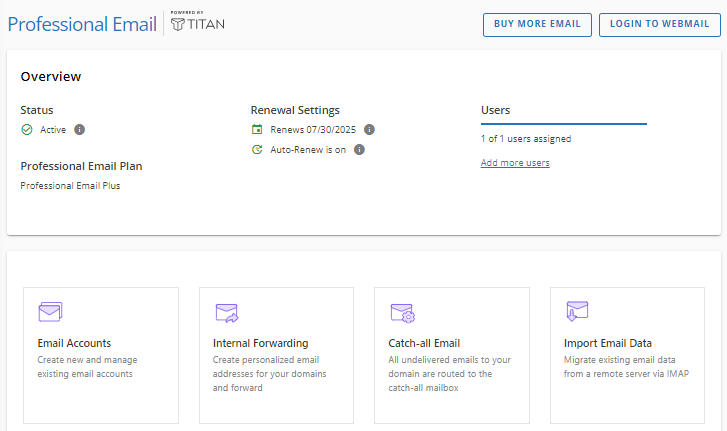
- Click Professional Email to view its status, renewal settings, number of users, and other management options.
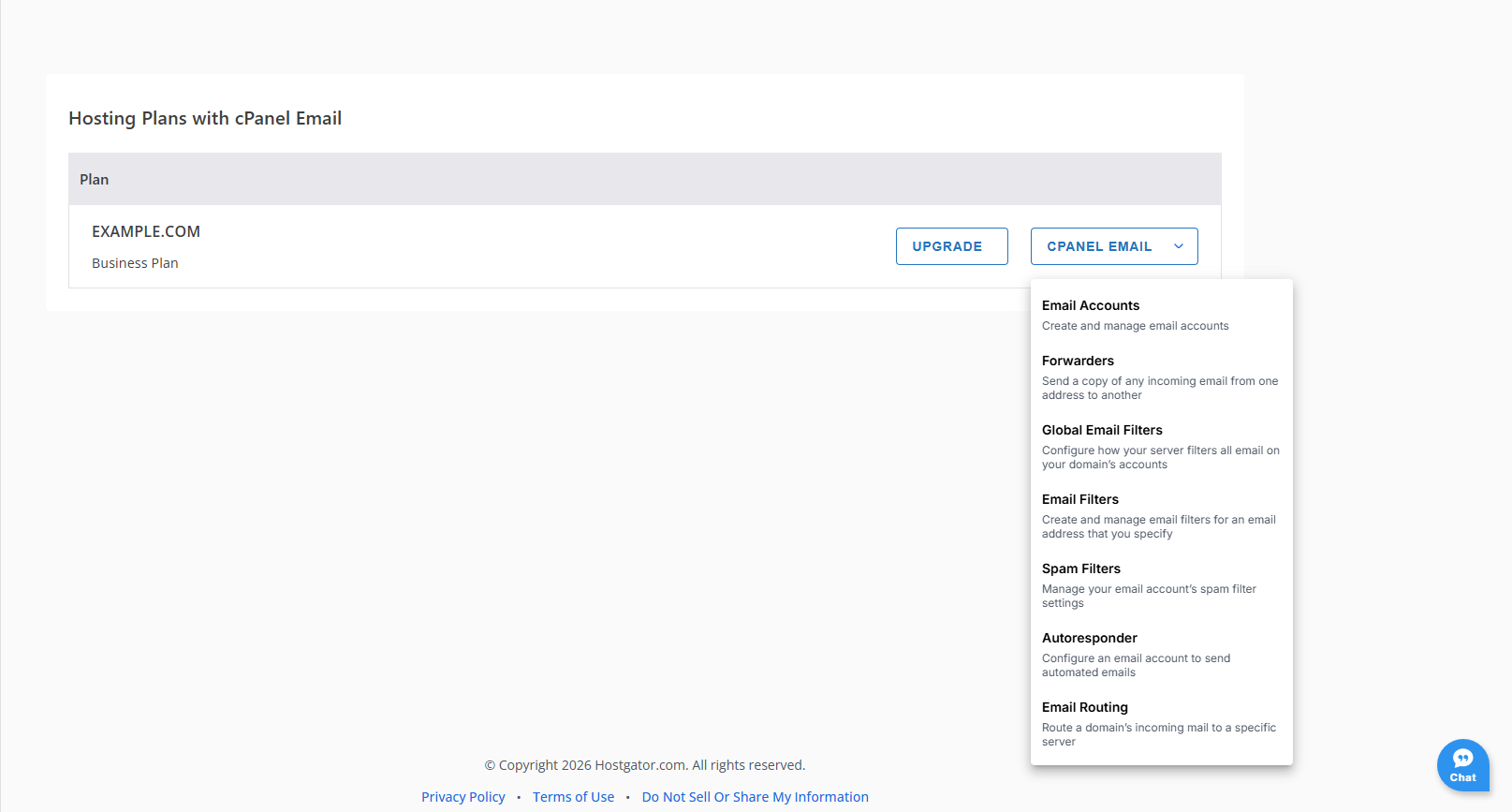
- Click cPanel Email to access email management tools for your hosting plan, including creating and managing email accounts, setting up email forwarding, configuring filters and spam protection, creating autoresponders, and managing email routing settings for your domain.
Visit the following guides for information on how to manage your premium business email accounts.
Domains
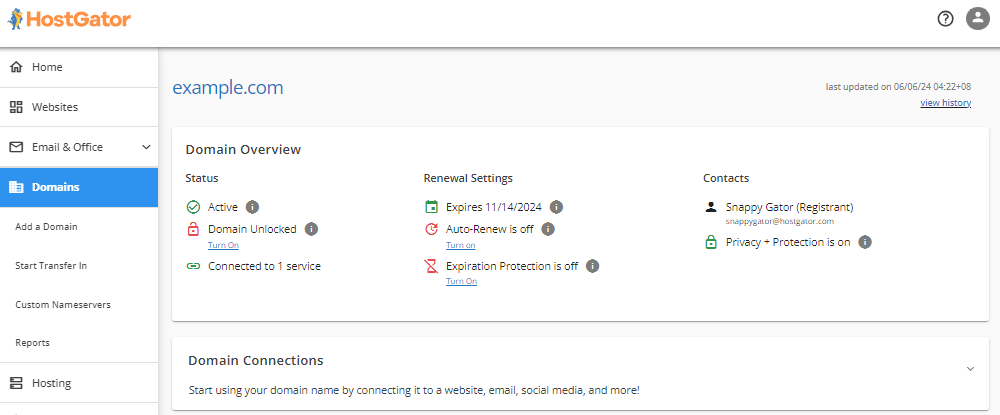
The Domains section is where you will find and manage all domains in your HostGator account.
For detailed information about all features and management options available in the Domains tab, refer to the following articles:
Hosting
The Hosting section displays all hosting plans and websites in your HostGator account, along with your server information and disk usage.
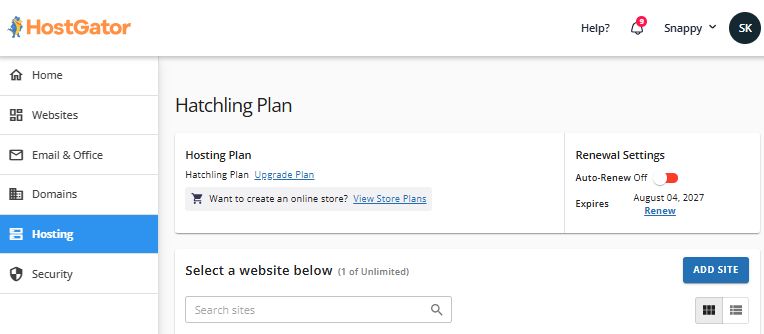
For the full functionality of the Hosting tab, refer to the article Customer Portal - Navigating the Hosting tab. This article provides detailed information on the features and tools available within the Hosting tab.
Security
The Security section displays the security products in your account, such as SSL and SiteLock. In this section, you can purchase security products, upgrade them, or go to their management pages.
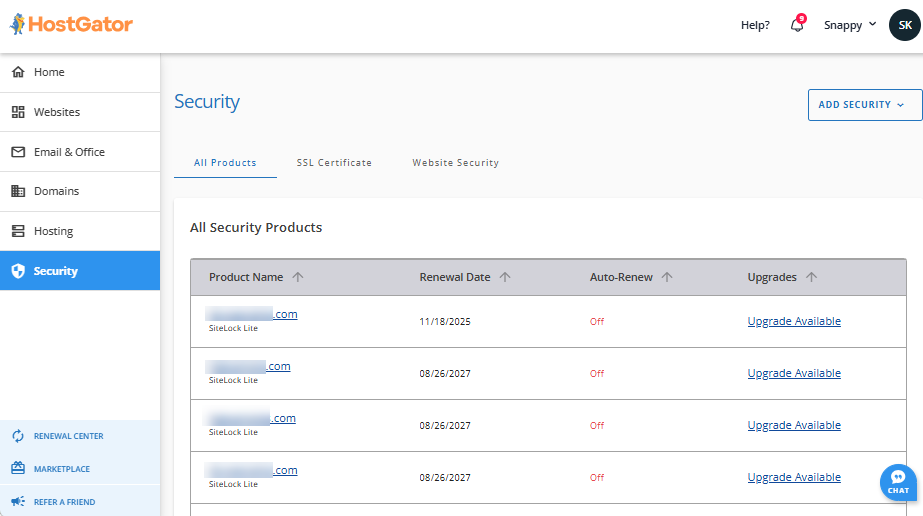
Visit the following guides for more information about our security products.
Renewal Center
The Renewal Center section displays all hosting products and services you have in your HostGator account. This section allows you to renew, manage your auto-renewal feature, and switch payments.
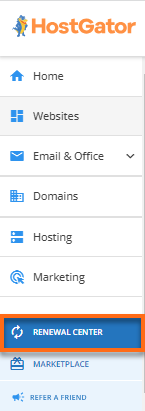
Visit the following guides for more information about renewing your hosting services.
Marketplace
Within Marketplace, you can purchase or add various hosting products, professional services, and domain services to your HostGator account.
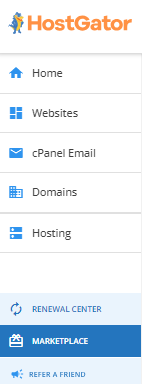
You can browse our vast selection of available domains and register yours anytime — easy, affordable, and reliable domain registration services at your fingertips.
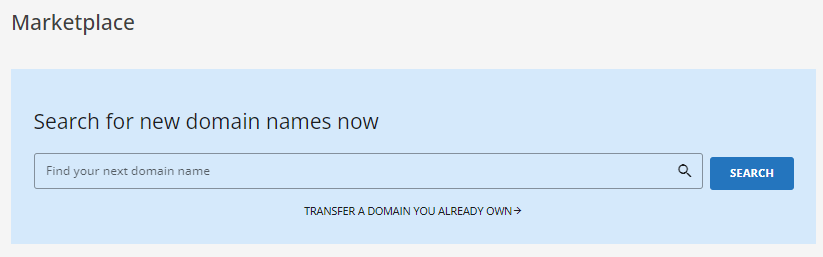
Want to transfer your domain to HostGator? We got you! Click the TRANSFER A DOMAIN YOU ALREADY OWN link to get started.
The products and services available in the Marketplace are categorized into several sections.
Domains
HostGator offers domain registration and transfer services. With vast domain TLDs available in our system, you can register a domain that suits your business. If you have an existing domain somewhere else, you can transfer it to HostGator so you can manage it here with ease and convenience.
You can also avail of our Domain Expiration Protection service to keep your domain from expiring unintentionally.
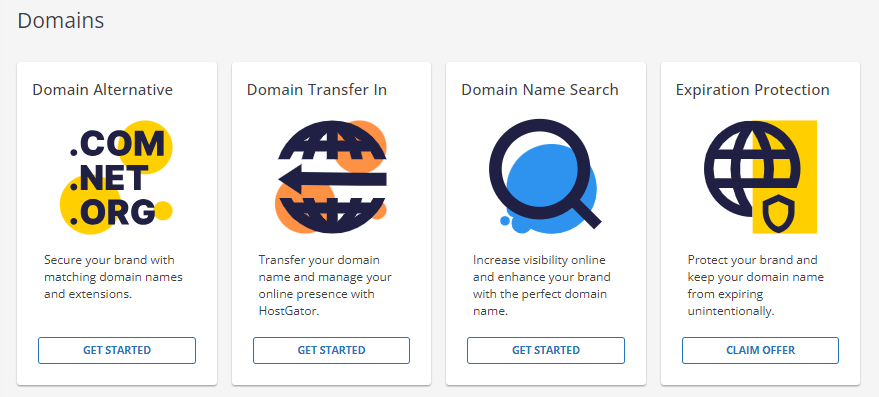
We have compiled our most popular domain-related articles into different series.
- Domain Overview - Here is our consolidated guide of domain-related articles.
- Domain Expiration Protection: What You Need to Know - More information about our Expiration Protection service is discussed in this article.
- Domain How-To's - You may visit our go-to articles for domain management.
Migration
HostGator offers migration services for websites and emails. Let our team of migration experts assist you with your site and email migration.
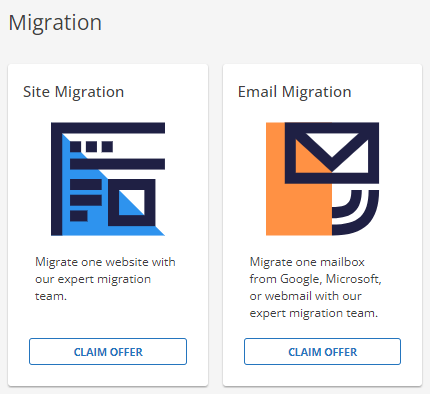
For more information about our migration services, please visit the following articles.
Services
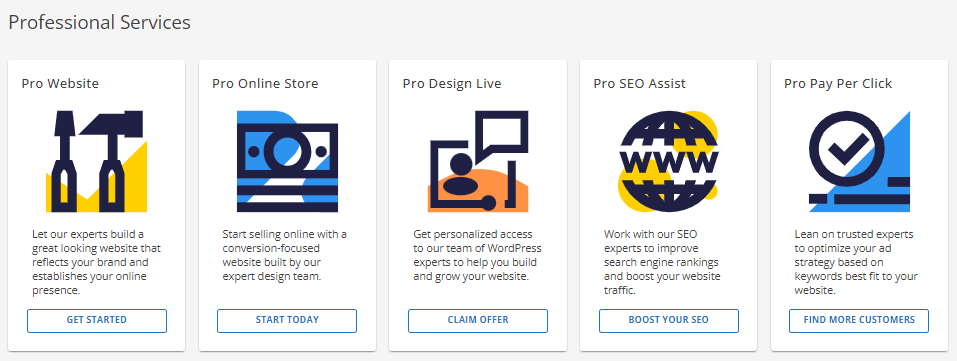
HostGator also offers Pro services to improve your website design, performance, and security.
Hosting
HostGator offers different hosting plans that will surely fit the needs of your blog. If you're a beginner, we've got the Shared hosting plan for you. If you need more control over the resources and management of your server, we have the VPS and Dedicated hosting plans. If you only have WordPress on your mind, why not try our WordPress hosting plan? Simply go to the Marketplace, select your preferred hosting plan, and click the SHOP NOW button to initiate the process of availing these cool hosting packages!

Security
With our tools, you can ensure your website's security and reliability. Protect data with SSL encryption, prevent loss with CodeGuard backups, secure WordPress sites with Jetpack, and maintain privacy with Domain Privacy + Protection.
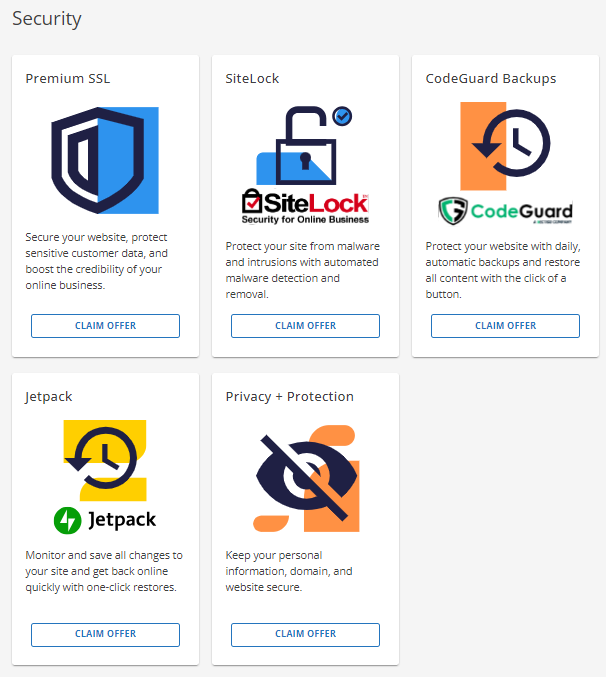
More information about our security products is found in the following articles.
- Customer Portal - SSL Certificates
- How Do I Purchase SSL and What Type is it?
- Jetpack - Backup and Restore
- WHOIS Information & Domain Privacy
Marketing
Maximize your website's potential with our premium SEO-driven services. Our expert guidance will help you attract more local traffic and improve your search rankings. Discover how to create compelling content that engages your audience and drives results.
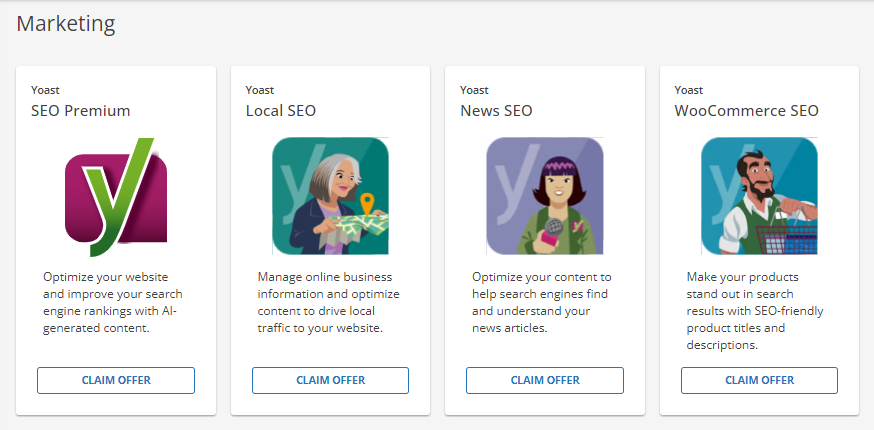
Visit the following articles for more information about Yoast services.
- HostGator Plugin: Yoast Local SEO for WordPress
- HostGator Plugin: Yoast News SEO
- HostGator Plugin: Yoast WooCommerce SEO
eCommerce
Boost your sales and customer satisfaction with our eCommerce services. Offer custom gift cards, personalize account pages for better shopping, and simplify your operations with an integrated booking system. Plus, get exclusive tools to improve your website and increase online sales.
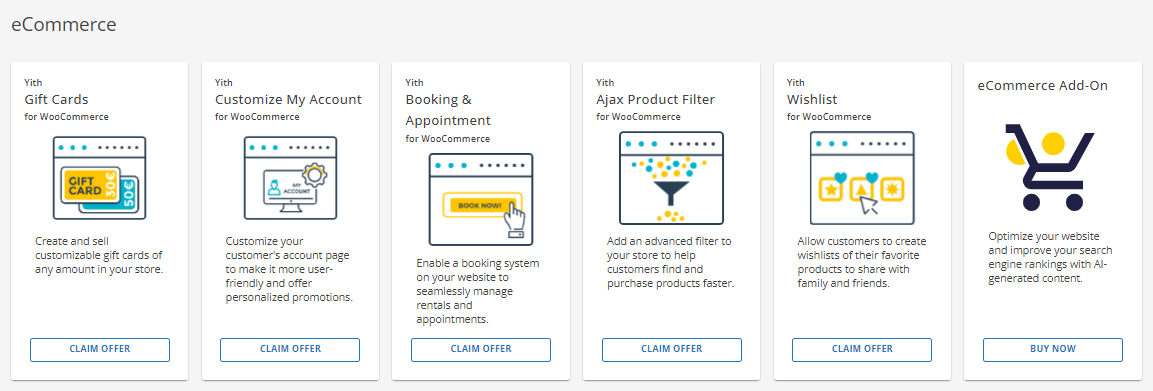
Check out the following articles for more information about our eCommerce services.
- YITH- AJAX Product Filter (WooCommerce)
- YITH - Booking and Appointment (WooCommerce)
- YITH - Customize My Account Page (WooCommerce)
- YITH Gift Cards (WooCommerce)
- YITH PayPal Payments (WooCommerce)
- YITH - Shippo Shippings (WooCommerce)
Make your emails look professional and take advantage of the amazing admin controls and storage offered by Professional Email and Google Workspace.
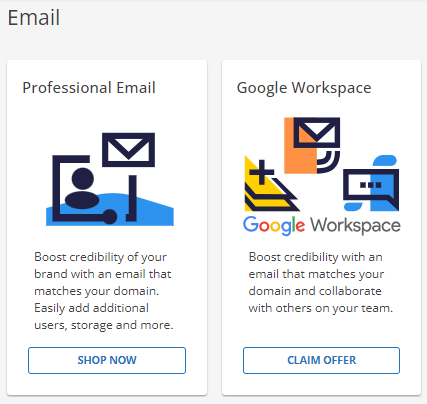
Visit the following articles for more information about Google Workspace.