How Do I Renew My Hosting?
Your hosting plan automatically renews based on your selected billing cycle. If Auto-Renew is enabled in your Customer Portal, HostGator will charge the payment method on file.
If you disable Auto-Renew, you must manually renew your hosting package through the Customer Portal before your renewal date to avoid service interruption. Please note that the system charges your saved payment method several days before your renewal date, depending on your billing term. Visit the following article for more information about when the system will charge your payment method for auto-renewal.
Need to renew your domain name? Refer to the following article for instructions.
How to Renew Your Hosting Plan
If the Auto-Renew feature for your hosting plan is disabled, you can manually renew it through the Renewal Center in your Customer Portal.
To manually renew your hosting plan:
- Log in to your Customer Portal.
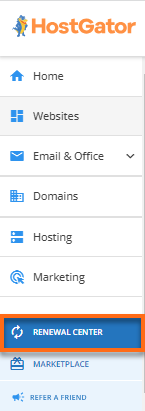
- Click Renewal Center in the navigation menu on the left.
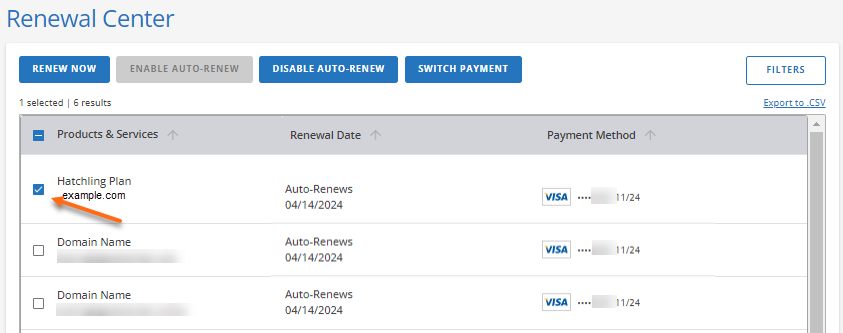
- On the Renewal Center page, locate and select the hosting plan you want to renew.
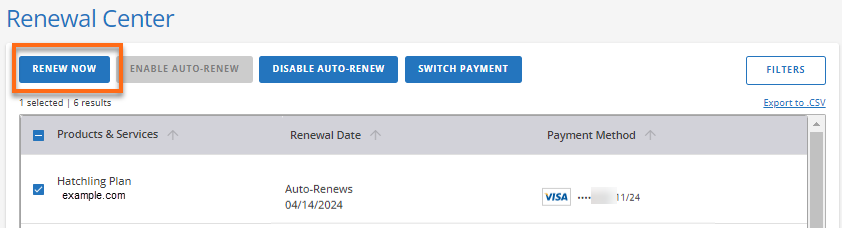
- Click Renew Now.
- Select your billing term and review your Order Summary.
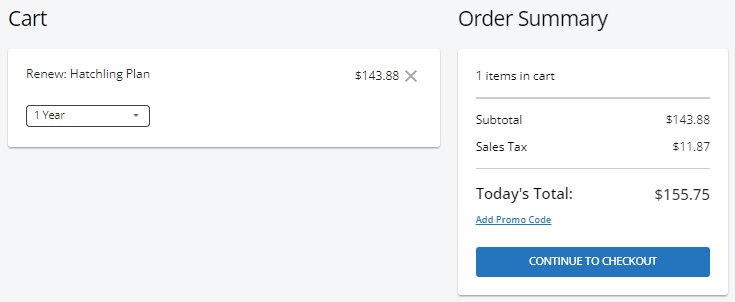
- You can also add a Promo Code if you have one available, then click Continue to Checkout.
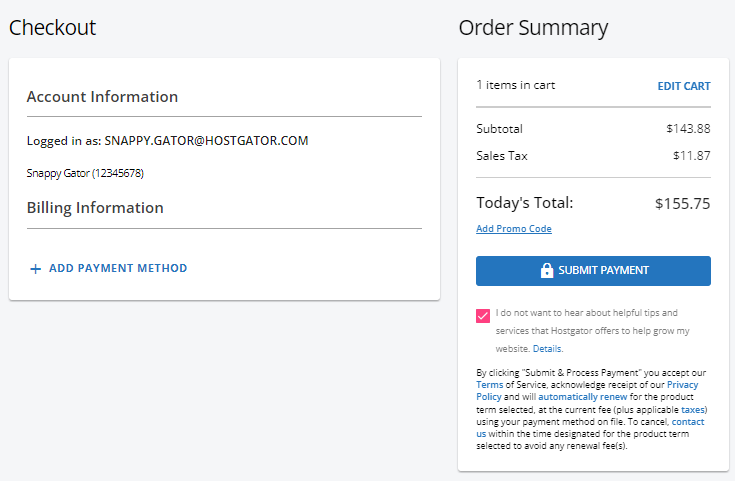
- On the Checkout page, you will need to add a payment method if you don't have one available. Click the + Add Payment Method link and provide your billing details. Otherwise, click Submit Payment to complete the purchase process.